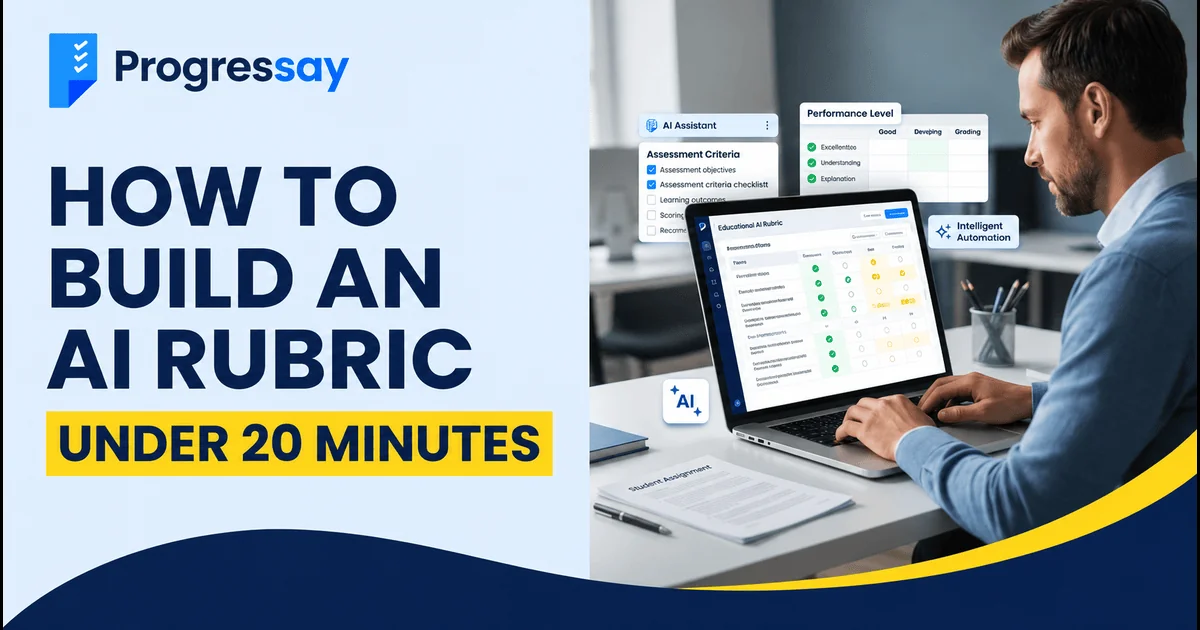
How to Build an AI Rubric in Under 20 Minutes
Creating a clear assessment rubric can take time, especially when you need to define marking criteria, performance levels and feedback for students. AI tools can make this process faster by helping teachers build a structured rubric in minutes.
In this guide, you’ll learn how to build an AI rubric in under 20 minutes, using a simple five-step process and a ready-to-use AI prompt.
What Is an AI Rubric?
An AI rubric is an assessment framework created or supported by artificial intelligence. It helps teachers define marking criteria, performance levels and descriptions of what good work looks like.
A well-designed rubric usually includes:
-
Assessment criteria: What students are being assessed on.
-
Performance levels: Different levels of achievement.
-
Descriptors: Clear explanations of performance at each level.
-
Marks or weighting: How marks are allocated to each criterion.
AI can help create a first draft, but teachers should review it to ensure it matches the learning objectives and assessment requirements.
How to Build an AI Rubric in 5 Simple Steps
You can create a useful first draft in approximately 20 minutes by following these steps.
Step 1: Define the Assessment Task (2 Minutes)
Start by deciding what you want to assess.
For example:
-
GCSE English descriptive writing
-
A science assignment
-
A classroom presentation
-
A coursework project
Be specific about the subject, student level, learning objectives and total marks.
Step 2: Choose Your Assessment Criteria (3 Minutes)
Select the areas you want to evaluate. For GCSE English descriptive writing, these might include:
-
Content and creativity
-
Vocabulary and language techniques
-
Organisation and structure
-
Sentence accuracy and punctuation
Choose criteria that directly reflect the skills students are expected to demonstrate.
Step 3: Generate a Rubric Using AI (5 Minutes)
Use an AI tool to generate your first rubric draft. Give it clear instructions about the assessment task, marking criteria and performance levels.
Copy and use this AI prompt:
Act as an experienced GCSE English teacher and assessment specialist.
Create a clear assessment rubric for GCSE English descriptive writing.
Requirements:
Total marks: 20
Include four criteria: content and creativity, vocabulary, organisation and structure, and sentence accuracy.
Create four performance levels: Excellent, Good, Developing and Needs Improvement.
Provide clear descriptions for each performance level.
Allocate marks to each criterion, ensuring the total is 20.
Use simple language that students can understand.
Include practical feedback suggestions to help students improve.
Present the rubric in a clear table.
Review the generated result rather than accepting it automatically.
Step 4: Review and Improve the Rubric (5 Minutes)
AI-generated rubrics may contain unclear descriptions, unsuitable criteria or inconsistent mark allocations.
Check that:
-
Every criterion is relevant to the assessment.
-
Performance levels are clearly different.
-
Mark allocations add up correctly.
-
Descriptors explain observable student performance.
-
The rubric matches the relevant exam board or course requirements.
For official GCSE assessments, always check the relevant exam board's assessment objectives and mark scheme. An AI-generated rubric is not an official GCSE mark scheme.
Step 5: Test and Finalise Your Rubric (5 Minutes)
Before using the rubric, test it with a sample student response.
Ask yourself:
-
Does the rubric distinguish between different levels of work?
-
Can students understand how they will be assessed?
-
Can teachers apply the criteria consistently?
-
Does the feedback help students identify what to improve?
Make any necessary changes before sharing it with students.
Example of an AI-Generated Assessment Rubric
Here is a simplified example for GCSE English descriptive writing.
| Criteria | Excellent | Good | Developing | Needs Improvement |
|---|---|---|---|---|
| Content and creativity | Engaging and imaginative ideas | Clear and relevant ideas | Some relevant ideas | Limited development |
| Vocabulary | Effective and varied vocabulary | Appropriate vocabulary | Some repetition | Basic or unsuitable vocabulary |
| Structure | Well-organised and cohesive | Mostly organised | Some organisation | Unclear structure |
| Sentence accuracy | Consistent control of sentences and punctuation | Generally accurate | Some errors | Frequent errors |
This is an illustrative example, not an official GCSE marking rubric. Adapt it to the relevant exam board and assessment objectives.
Benefits of Using AI to Create Rubrics
AI can make rubric creation more efficient when used carefully.
1. Saves preparation time
AI can generate a first draft quickly, reducing the time spent writing criteria and descriptors from scratch.
2. Provides a clear structure
It can organise assessment criteria and performance levels into an easy-to-read table.
3. Supports consistent assessment
A well-designed rubric gives teachers a shared framework for evaluating student work.
4. Helps students understand expectations
Clear descriptors show students what they need to improve and how their work will be assessed.
Common Mistakes to Avoid When Creating AI Rubrics
Avoid these common mistakes:
-
Using vague criteria such as “good work” or “excellent writing”.
-
Creating too many assessment categories.
-
Accepting AI-generated content without checking accuracy.
-
Using criteria that do not match learning objectives.
-
Treating an AI-generated rubric as an official exam board mark scheme.
Remember: AI should support teacher judgement, not replace it.
Can AI Help Grade Student Work Too?
Yes. AI tools can help analyse written responses, provide feedback and identify areas where students may need improvement.
Creating a rubric is one part of assessment. You can also explore AI essay grading online to understand how AI can support written-work feedback.
If you're looking for a tool to assess essays, read our guide to the best free AI essay grader.
You can also try the Progressay AI Grading Assistant to get AI-powered feedback on written work.
Frequently Asked Questions
Can I create a rubric using ChatGPT?
Yes. You can ask ChatGPT to create a rubric by providing the subject, assessment task, marking criteria, performance levels and total marks. Always review the result before using it.
How long does it take to create an AI rubric?
A basic rubric can be drafted in around 20 minutes if you have already defined the assessment task and criteria. More complex assessments may require additional review and testing.
What should an AI assessment rubric include?
It should include assessment criteria, performance levels, clear descriptors and mark allocations or weightings where appropriate.
Are AI-generated rubrics accurate?
They can provide a useful starting point, but accuracy depends on the instructions and the quality of the review. Teachers should check the rubric against learning objectives and official assessment requirements.
Can AI grade student essays using a rubric?
AI tools can support essay assessment by analysing writing against selected criteria and providing feedback. However, AI feedback should be reviewed by a teacher and should not be treated as an official exam result.
Final Thoughts
Creating an AI rubric doesn't have to be complicated. By defining your assessment task, choosing relevant criteria and using a clear AI prompt, you can create a useful first draft in around 20 minutes.
The most important step is reviewing and testing the rubric before using it. AI can save preparation time, but teacher judgement remains essential for fair and meaningful assessment.