AI Tools for Teachers: Classroom Uses and Tips
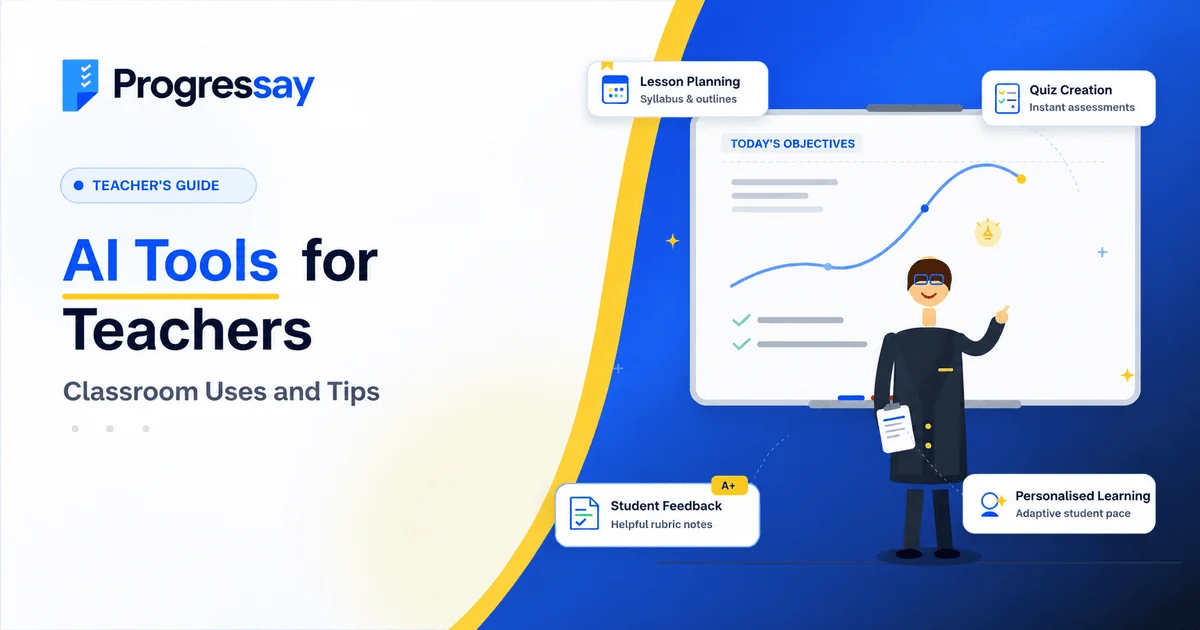
Teachers manage lesson planning, marking, classroom activities and student progress every day. AI tools for teachers can help simplify some of these tasks, create learning resources and provide faster feedback, giving educators more time to focus on their students.
From generating quiz questions to reviewing written assignments, artificial intelligence is becoming a useful assistant in education. However, the best results come when teachers check AI-generated content and use it to support—not replace—their professional judgement.
In this guide, we'll explore practical ways to use AI in teaching, the benefits and limitations, and how to introduce these tools responsibly.
What Are AI Tools for Teachers?
AI tools for teachers are digital applications that use artificial intelligence to support educational tasks. Depending on the tool, they can help educators prepare lessons, create worksheets, develop assessments, adapt learning materials and review student work.
Examples include general AI assistants such as ChatGPT and Google Gemini, productivity tools such as Microsoft Copilot, and education-focused platforms such as Progressay's AI Grading Assistant.
Each tool serves a different purpose. Some help teachers generate ideas and resources, while others focus on assessment, feedback or classroom management.
5 Practical Ways Teachers Can Use AI
1. Create Lesson Plans and Teaching Resources
Preparing lessons takes time, especially when teachers need different activities for different ability levels.
AI can help generate lesson outlines, discussion questions, worksheets and classroom activities based on a topic and learning objective.
For example, a teacher could ask an AI assistant to create a 45-minute lesson on photosynthesis, including a short explanation, five knowledge-check questions and a practical classroom activity.
Tip: Provide the year group, subject, learning objectives and required difficulty level. Review the output against your curriculum before using it.
2. Generate Quizzes and Assessment Questions
AI can help teachers prepare multiple-choice questions, short-answer exercises, revision quizzes and question banks.
You can also ask it to create questions at different difficulty levels or generate alternative questions for additional practice.
For example, after teaching a topic in GCSE Biology, you could use AI to draft a revision quiz covering key terms, scientific processes and application questions.
Teachers should verify that questions have clear wording, correct answers and an appropriate level of difficulty before sharing them with students.
3. Provide Faster Essay Marking and Feedback
Marking written assignments can be one of the most time-consuming parts of teaching. AI grading tools can help assess written work against defined criteria and generate feedback for teachers to review.
Progressay's AI Grading Assistant allows teachers to set up a grading rubric, submit essays and receive AI-generated grades and diagnostic feedback.
This can help educators identify areas where students may need further support and reduce repetitive marking work.
AI-generated marks should still be reviewed, particularly when an assignment involves nuanced interpretation, high-stakes assessment or criteria that require professional judgement.
4. Adapt Materials for Different Learning Needs
Students do not all learn at the same pace. AI can help teachers create alternative explanations and adapt materials for different reading levels.
For example, you could ask an AI tool to:
-
Explain a difficult concept using simpler language.
-
Create extension questions for students ready for a challenge.
-
Turn a long explanation into a short revision summary.
-
Generate vocabulary exercises for a topic.
-
Suggest additional practice activities for a specific learning objective.
These adaptations can support differentiated teaching, but teachers should check that simplified resources remain accurate and appropriate.
5. Reduce Routine Administrative Work
AI assistants can help draft parent emails, organise meeting notes, create assignment instructions and prepare classroom announcements.
Instead of writing every message from scratch, a teacher can provide the main points and ask AI to produce a draft for review.
Always check names, dates, tone and factual details before sending. Avoid entering confidential student information into tools that have not been approved for that use.
Benefits of AI Tools for Teachers
When used thoughtfully, AI can support several aspects of teaching.
Save preparation time: Generate first drafts of lesson plans, quizzes and worksheets instead of starting from a blank page.
Support timely feedback: AI grading and feedback tools can help teachers review more written work and identify common learning gaps.
Encourage differentiated learning: Create alternative explanations, practice questions and learning activities for different needs.
Improve resource variety: Develop discussion prompts, examples, revision exercises and classroom activities that suit a particular topic.
Support data-informed teaching: Where suitable and securely configured systems provide learning data, teachers can use it to identify patterns and decide which topics need further attention.
AI does not guarantee better learning outcomes. Its value depends on the quality of the output, the teacher's review and how the material is used in the classroom.
How to Choose the Right AI Tool for Teaching
There is no single AI tool that is best for every teaching task. Start by identifying the problem you want to solve.
| Teaching task | Tool type to consider |
|---|---|
| Lesson planning and brainstorming | General AI assistant |
| Quizzes and worksheets | AI content-generation tool |
| Essay grading and diagnostic feedback | Rubric-based AI grading tool |
| Drafting routine communications | AI writing assistant |
| Managing assignments and student submissions | Learning management system |
For lesson planning and everyday drafting, general assistants may be sufficient. For marking, look for tools that support clear assessment criteria, allow you to review results and provide useful feedback rather than simply producing a score.
If your main challenge is essay marking, explore the Progressay AI Grading Assistant.
Best Practices for Using AI in Education
Check AI-generated information
AI can produce incorrect facts, misleading explanations and unsuitable questions. Verify important information before using it with students.
Protect student privacy
Do not upload identifiable student essays, grades, medical details or other confidential information to an AI service unless your school's policies and the service's data protections permit it.
Keep teachers in control
Use AI to support lesson preparation, feedback and administration. Teachers should remain responsible for important assessment decisions and the educational experience.
Be transparent about AI use
Follow school policies on AI use and explain to students when and how AI is being used. Establish clear expectations for acceptable student use in assignments.
Start with one task
Choose a repetitive task, such as creating a quiz or drafting feedback. Test the tool, check the quality of its output and evaluate whether it genuinely saves time before expanding its use.
Frequently Asked Questions
What are the best AI tools for teachers?
The best tool depends on the task. General AI assistants can support planning and resource creation, while specialist tools can help with assessment, feedback and learning management. Compare features, privacy protections and suitability for your classroom.
Can AI help teachers mark essays?
Yes. Some AI grading tools assess written work against a rubric and generate marks or feedback. Teachers should review the output for accuracy and fairness, especially for important assessments.
Can teachers use AI to create lesson plans for free?
Some AI assistants offer free access or limited free features that can help teachers draft lesson plans and classroom resources. Check each provider's current terms and review the generated content before use.
Will AI replace teachers?
AI can assist with selected teaching tasks, but it does not replace the relationships, professional judgement, classroom understanding and support teachers provide to students.
Is AI safe to use in the classroom?
It can be used responsibly when schools select suitable tools, protect student data, verify AI-generated information and establish clear rules for use.
Make AI Part of a Smarter Teaching Workflow
AI tools can help teachers prepare resources, develop assessments and manage repetitive work more efficiently. The key is to choose tools that solve real classroom problems and review their output carefully.
If marking essays and providing individual feedback are taking too much of your time, Progressay can help you explore a more efficient approach.
Try Progressay's AI Grading Assistant
Use rubric-based AI grading and diagnostic feedback to support your assessment workflow while keeping teaching expertise at the centre of learning.