GO MODERATE
Stop guessing if the grade is right.
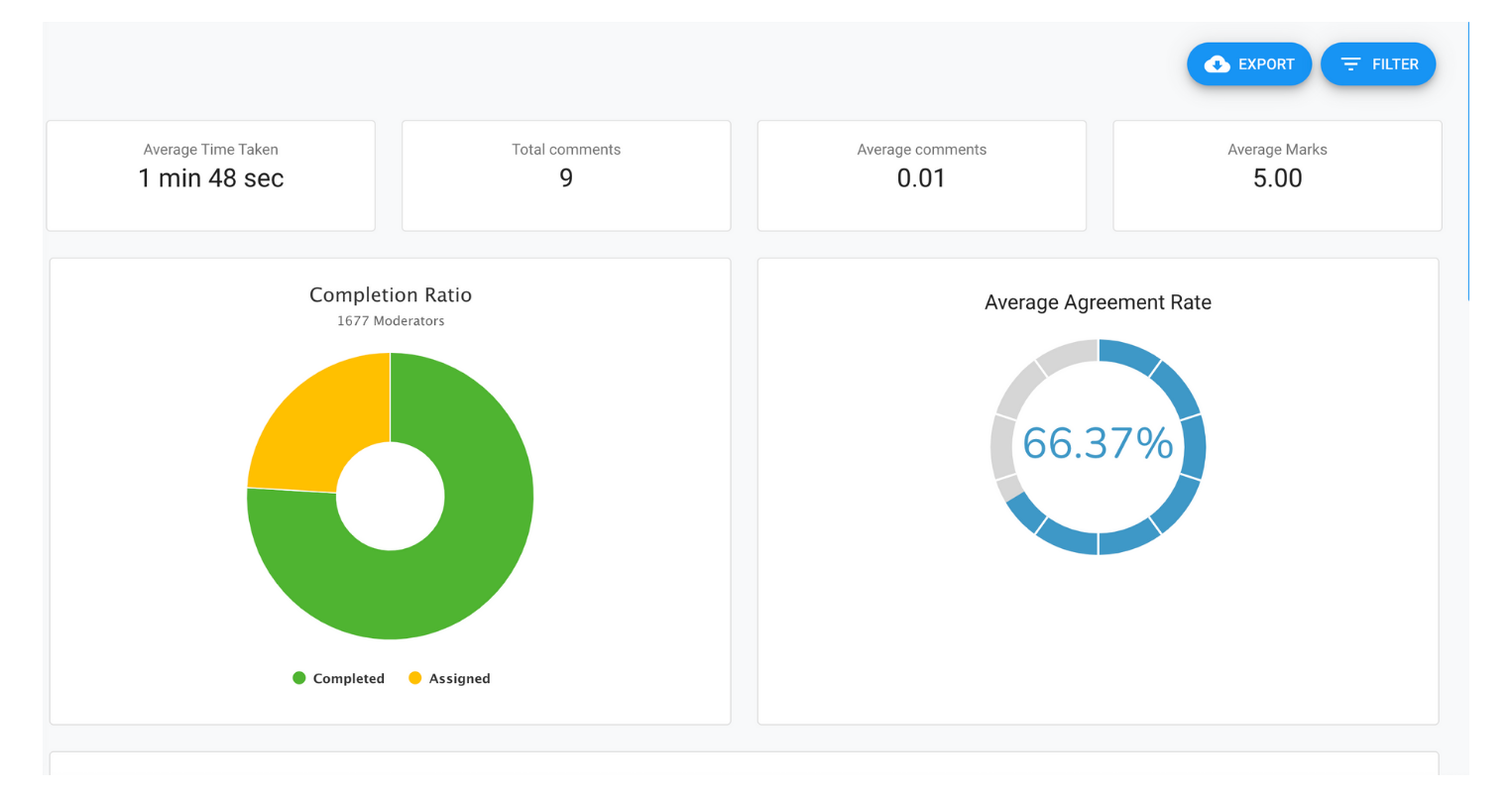
Only half of examiners agree on the same grade for an essay. GoModerate lets your team quality-check marking onscreen, collaboratively, and get an instant agreement report — before grades ever reach a report card.
52%
Examiner agreement without moderation (Ofqual, 2019)
4 steps
From assignment to moderation report
Free
To get started
TRUSTED BY LEADING SCHOOLS AND EXAM BOARDS



WHY GOMODERATE
Everything you need to quality-assure grading
Grade onscreen, remotely
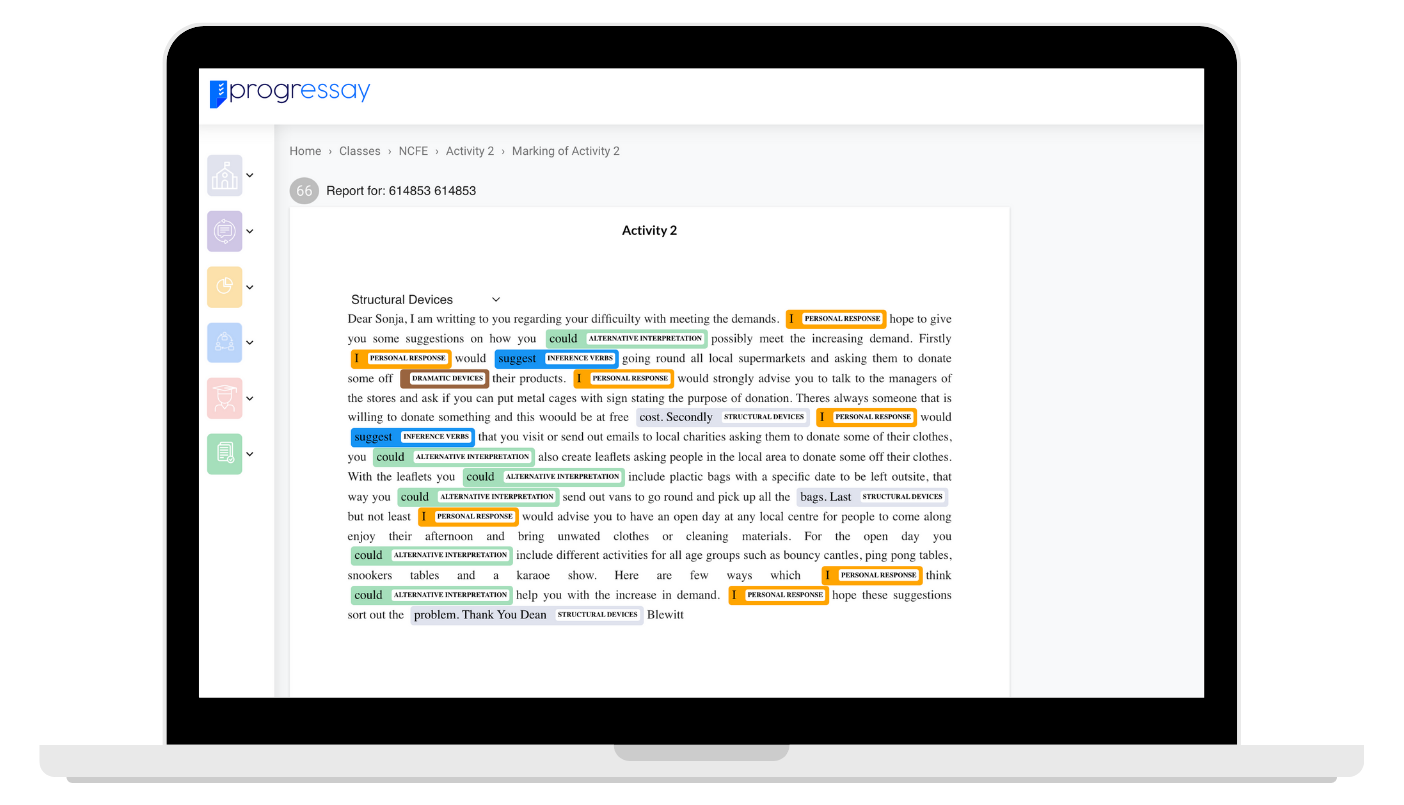
Benchmark your grades onscreen from anywhere — no more shuffling paper scripts between staff rooms.
WHO IT'S FOR
Built for every marker in the department
Teachers & Markers
See exactly how your marking compares to a colleague’s, or to the AI benchmark, before grades go home.
Heads of Department
Standardise grading across your whole subject team, with an agreement report for every assignment.
Exam Officers & SLT
Keep evidence-based quality assurance on file, ready for an exam board visit or an inspection.
BENCHMARK AGAINST AI
Moderate against a colleague, or against Progressay
Every moderation task can be benchmarked against a fellow teacher, or against Progressay's Grading Assistant — so you always know if a grade is fair, not just fast.
See the Grading AssistantHOW IT WORKS
From assignment to agreement, in four steps
1
Create an assignment
Set up the assignment you want quality-checked inside ProgressLMS.
2
Set up a moderation task
Invite the teachers who’ll take part, and choose how many scripts each of them sees.
3
Grade onscreen
Teachers mark the assignment onscreen, wherever they are.
4
Get your report
A moderation report generates instantly, showing agreement across the team.
SEE IT IN ACTION
Watch GoModerate in two minutes
A quick walkthrough of setting up a moderation task, grading onscreen, and generating an agreement report.
PART OF PROGRESSAY
One platform. Every step of grading.

GoProgress
Browse and sell online courses with AI-marked assignments.

ProgressLMS
Where every assignment you moderate starts.

Grading Assistant
Benchmark human marking against the AI.

ProgressData
Turn every agreement report into a whole-school insight.

Progress Tutors
Bring in a tutor once you know where the gaps are.
FAQ
Frequently Asked Questions
Everything you need to know about GoModerate
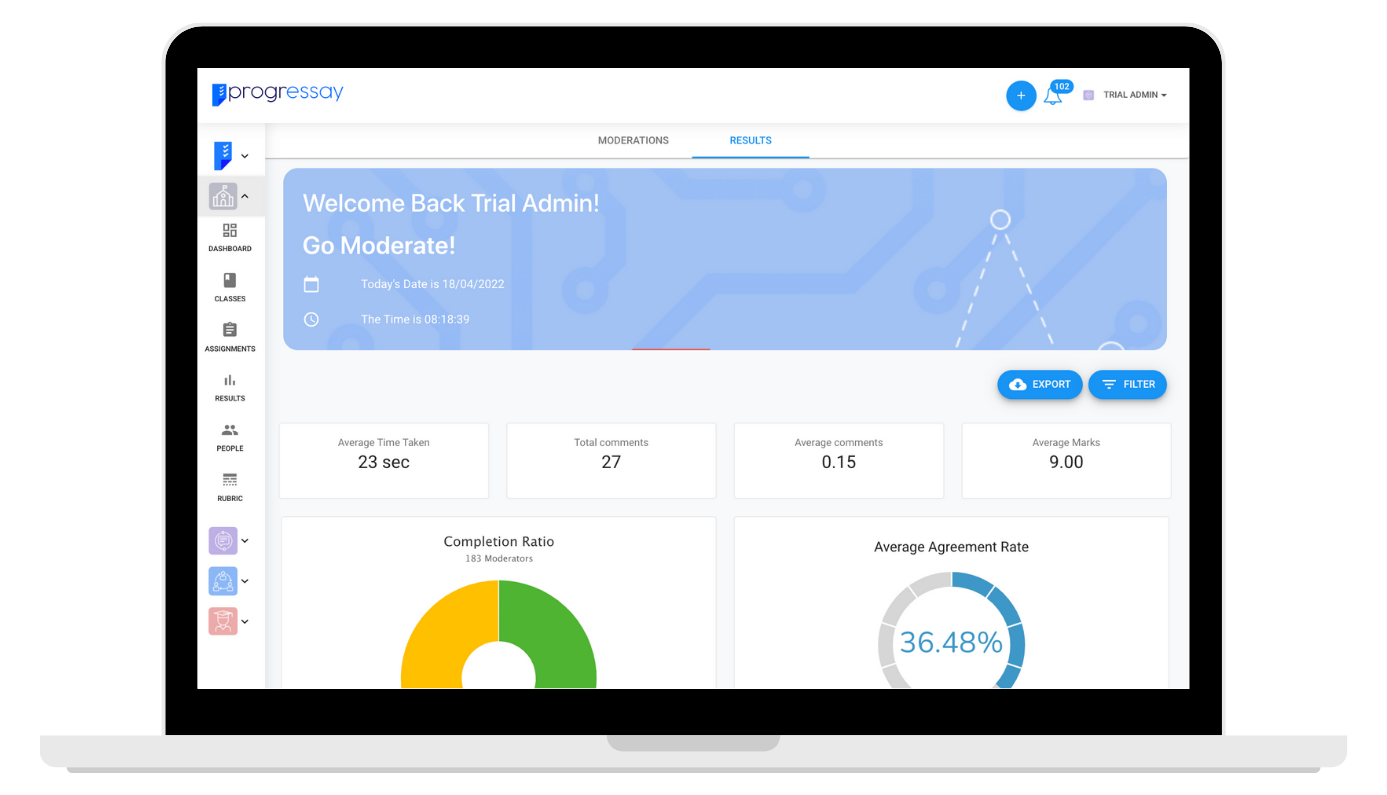
GoModerate is Progressay’s online, onscreen assignment moderation tool.
Only half of examiners agree on the same grade when marking essays. Studies have shown that grading reliability for open-ended, text-based questions — like essays — is as low as 52% (Ofqual, Marking Consistency Metrics, 2019).
Most schools that quality-check grading still do it on paper, so records get lost and progress isn’t tracked over time. GoModerate replaces that with an intuitive, collaborative platform for moderating grades.
There are four steps: create an assignment in ProgressLMS, set up a moderation task and invite teachers, grade the assignment onscreen, then instantly generate a moderation report.
GoModerate is free to get started with. Once your trial ends, it’s available as part of the Progressay Propel package — see our pricing page for details.
Ready to get started?
Set up your first moderation task free and see your team's agreement rate in minutes.
Get Started Free